


<p>Face Unlock is now a feature that can be found in phones priced above Rs 1 lakh to those price under Rs 10,000. However, despite i...
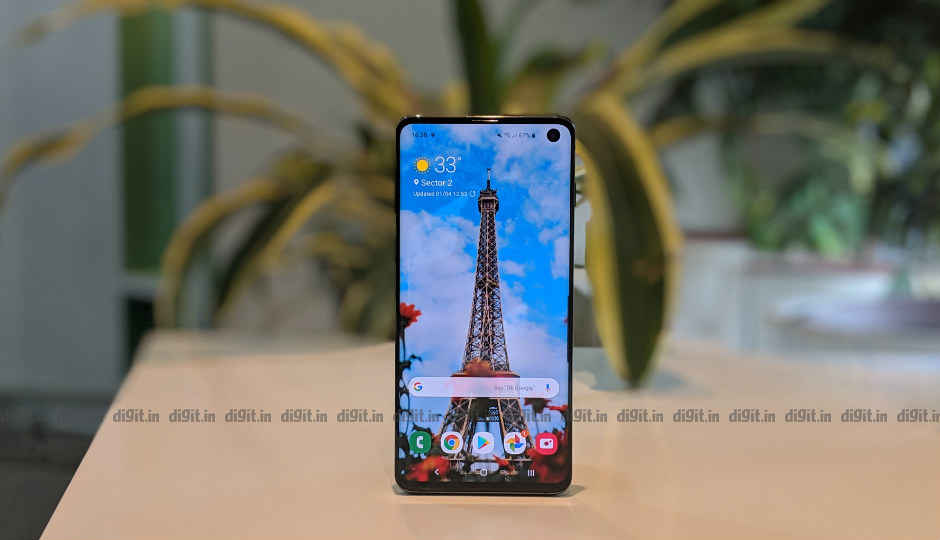 <p>Face Unlock is now a feature that can be found in phones priced above Rs 1 lakh to those price under Rs 10,000. However, despite its meteoric rise to become a convenient way of unlocking your phone, it could never replace the fingerprint sensor in terms of reliability. It has been established that a fingerprint sensor on a smartphone is far more secure while face recognition systems has been proven to be fooled. However, the new breed of in-display fingerprint sensor is also not free of vulnerabilities.</p> <p>A video that recently surfaced online shows the Samsung Galaxy S10’s ultrasonic fingerprint sensor easily fooled by a 3D-printed fingerprint pattern. Samsung relies on Qualcomm’s ultrasonic solution that creates a 3D map to authenticate the fingerprint. Qualcomm claimed the solution is more secure than the optical fingerprint sensor OEMs like OnePlus uses where a 2D map is used to authenticate.</p> <p>However, in the video, the user 3D printed a fingerprint pattern on a transparent strip and put it on the Galaxy S10’s display right above the fingerprint sensor. After a slight readjustment of the position, the Galaxy S10 was unlocked. To create the 3D map, the user took a photograph of his fingerprint from a wine glass with a smartphone, and then used software to calculate the depth information. The data was then used to 3D print the fingerprint pattern on a transparent strip.</p> <p>The user in the video states a DSLR can be used to get an even clearer photo of the fingerprint sensor. What’s scary is that the Galaxy S10 was unlocked every time the 3D printed fingerprint map was placed rightly on the screen.</p> <p>Related Read:</p> <p>Samsung Galaxy S10 ultrasonic fingerprint sensor can survive screen scratches but not damages: JerryRigEverything</p>
from Latest Technology News http://bit.ly/2FTiUDI


COMMENTS