


Today, most people are using dual-SIM smartphones. Not only do they use smartphones which offer dual-SIM but also take advantage of two diff...
Today, most people are using dual-SIM smartphones. Not only do they use smartphones which offer dual-SIM but also take advantage of two different network providers’ services. Using two SIMs also gives you access to use two Whatsapp accounts in the same smartphone. Many users don’t think about it much but having two Whatsapp accounts are becoming a ‘thing’ now. So here I will tell you how you can use two Whatsapps on your smartphone, whether it's an iPhone or Android smartphone.
How to use two Whatsapp accounts in iPhone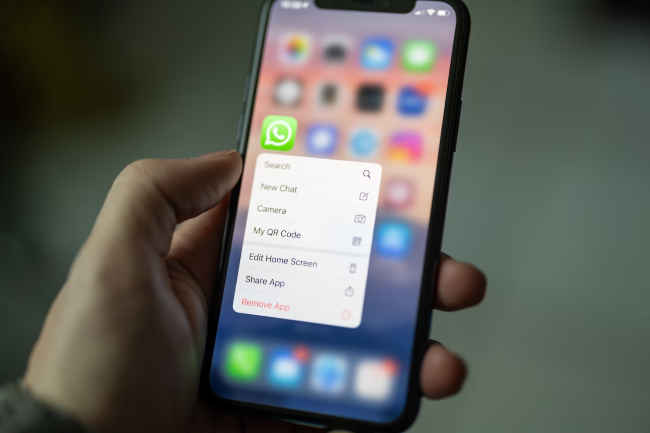
To use two Whatsapp accounts on an iPhone, you need to download two Whatsapp instances from the App store, one the standard one and the other is Whatsapp Business. Here’s how you can install it.
Also read: Whatsapp now more fun and easier for iPhone users: Check out the new features
Step 1: Download the Whatsapp Business from the App store. The standard Whatsapp, I am assuming you already have it in your smartphone, running.
Step 2: While opening a new window, you will encounter two options. Click on the second one, which enables you to access your current WhatsApp account as a Business account, whereas the second option allows you to create new WhatsApp Business accounts using a different phone number.
Step 3: Now enter the secondary number for the Whatsapp Business. Afterward, verify the number by entering the OTP you received on that particular number.
Step 4: Enter your name and choose the 'not a business' option from the selection below. Finally, tap on 'done' to complete the process.
How to use two Whatsapp accounts in Android smartphone
Here the method is a little different. You don’t need to download the Whatsapp Business but need to take help from a third party app known as ‘Parallel App’. Parallel App is used to make clones of the applications in your smartphone.
Also read: WhatsApp now lets you send instant video messages, here's how
Step 1: Download the ‘Parallel App’ from the Playstore.
Step 2: Open the app and select Whatsapp. It will redirect you to a clone Whatsapp, which is exactly like a new Whatsapp.
Step 3: Setup your Whatsapp account, enter your secondary mobile number.
Step 4: Enter the OTP you will receive on your secondary SIM.
Step 5: Mention your name, upload your profile picture and voila! You now have two WhatsApp accounts running on your Android smartphone.
Let us know if you already have two WhatsApp accounts running on your smartphone, or if this article inspires you to try it out very soon.
from Apps News https://ift.tt/roL6OD9


COMMENTS